



Shortcuts, workarounds, and lesser-known features from people using DataSnipper every day. Found a trick that saves you time? Post it here, and we will be sharing all we know and more!
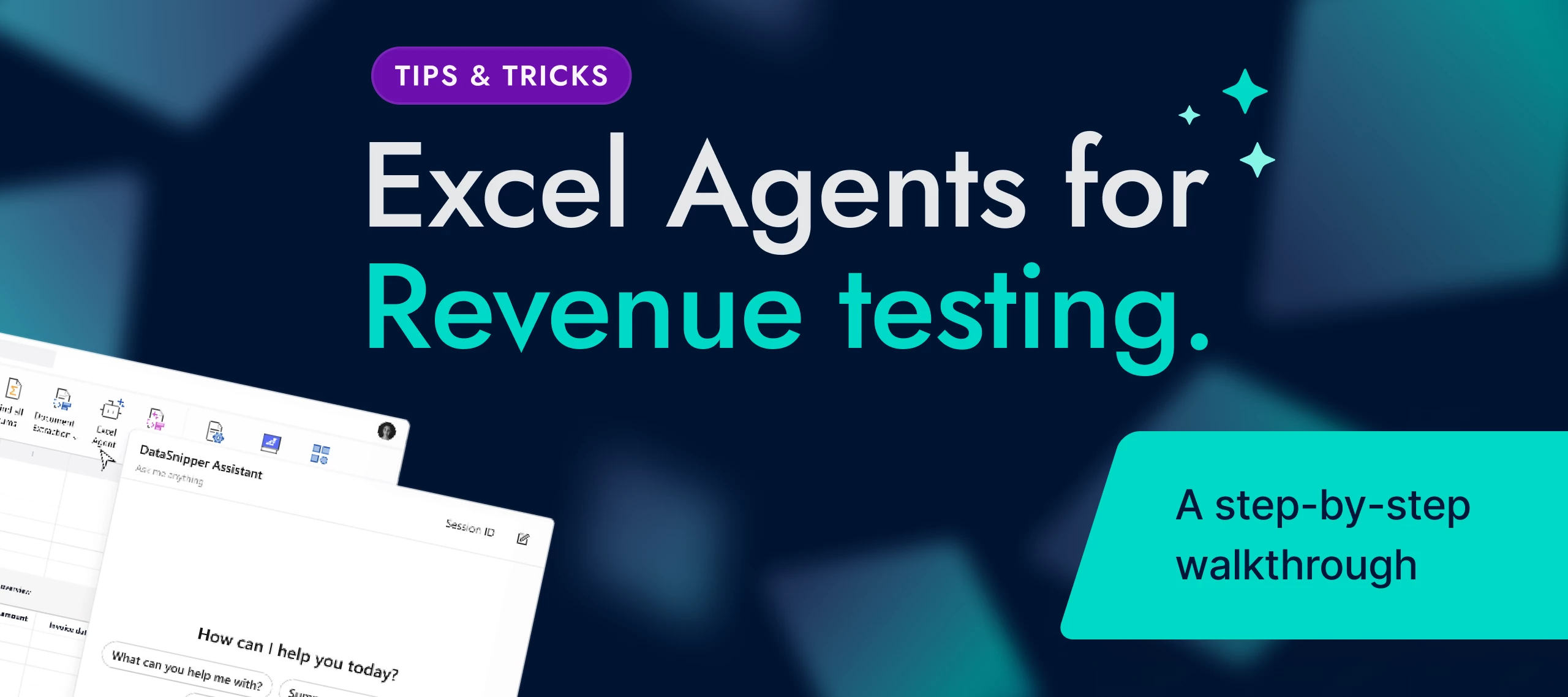
Hi, I'm Sangeetha. Before I joined DataSnipper, I spent years as an auditor, and revenue was one of the areas where I spent the most time. It's material on almost every engagement, the PBC list is long, and the testing is detailed. Tie the invoice to the ledger, check the amount, check the date for cutoff, chase the ones that don't match, and document all of it so the next person can follow your logic. It's important work, but a lot of it is manual, and manual work is where mistakes and late nights creep in.That's why revenue testing with Excel Agents is near the top of the list when people ask me which feature to try first. So this week I want to walk through how I'd actually run it, step by step, and show you where I'd keep my hands on the wheel.First, a quick word on what Excel Agents are, in case this is new to you. Instead of working through manual steps yourself, you describe what you want to achieve in plain language and the Agent handles the execution inside Excel. It reads you
Already have an account? Login
No account yet? Create an account
Enter your E-mail address. We'll send you an e-mail with instructions to reset your password.
Sorry, we're still checking this file's contents to make sure it's safe to download. Please try again in a few minutes.
Sorry, our virus scanner detected that this file isn't safe to download.